

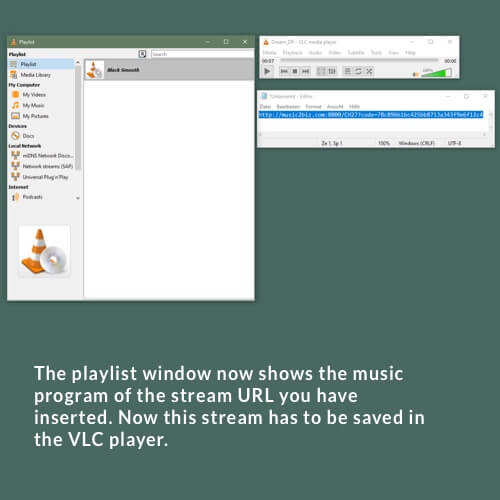
To save your playlists permanently in the VLC player, you need to copy them to the Media Library.
To do this, drag the playlist in the playlist window to the left to the menu item “Media Library” while holding down the left mouse button.
Then click on the menu item “Media Library”.