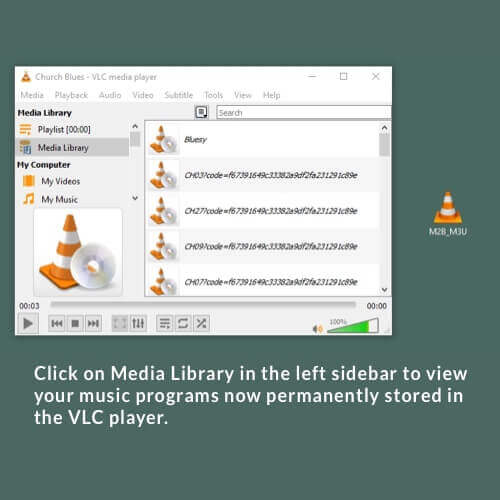
Et voilà!
The real names of the music programs are displayed as soon as one of the stream URLs has been clicked and the music has started playing.

Et voilà!
The real names of the music programs are displayed as soon as one of the stream URLs has been clicked and the music has started playing.
Das könnte Sie auch Interessieren:
Click on a program button of your choice. The player page for the music program opens. Next.
Create a shortcut in the Autostart folder.
1. Press the Windows key + R key combination and enter “shell:startup” in the “Open” line. 2. A Windows Explorer
Your station favourites Example Here you can now see the MUSIC2BIZ programme “Black Smooth” which is marked as a favourite