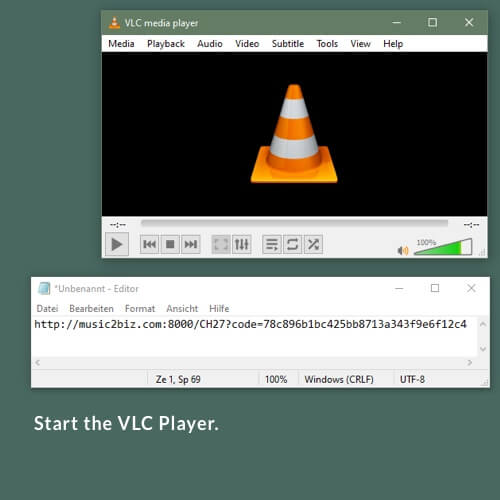
Start the VLC-Player by double-clicking on the link on your desktop.
You can minimize the VLC window, because we do not need the video area.
Just move the VLC window from the bottom of the window to the top with the mouse.


Start the VLC-Player by double-clicking on the link on your desktop.
You can minimize the VLC window, because we do not need the video area.
Just move the VLC window from the bottom of the window to the top with the mouse.