To start a specific music program automatically with the VLC player, you must set its stream URL as the default stream.
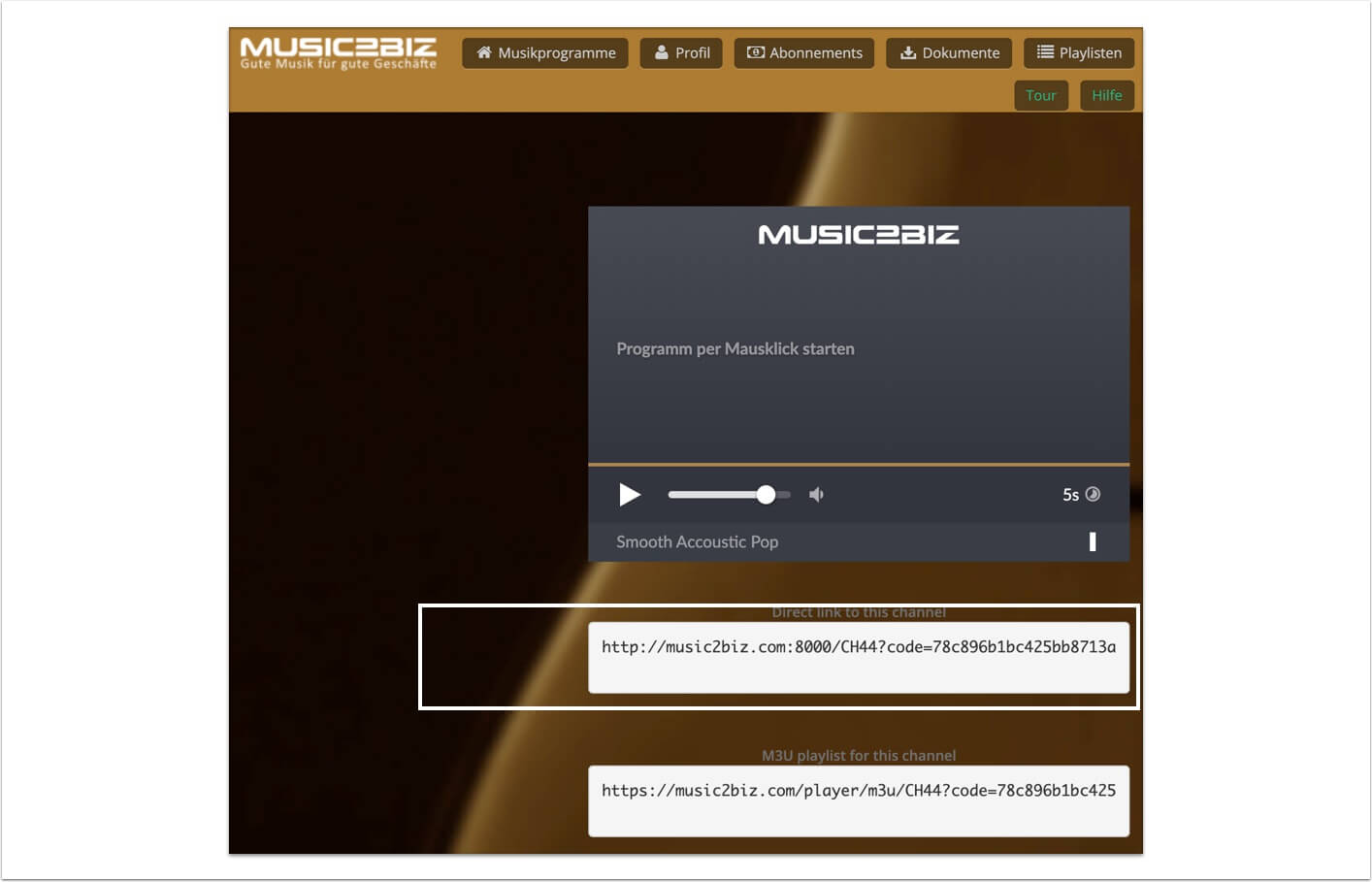
Visit your MUSIC2BIZ customer account. Copy the stream URL of the music program that is to be started automatically to the cache.


To start a specific music program automatically with the VLC player, you must set its stream URL as the default stream.
Visit your MUSIC2BIZ customer account. Copy the stream URL of the music program that is to be started automatically to the cache.