1.2
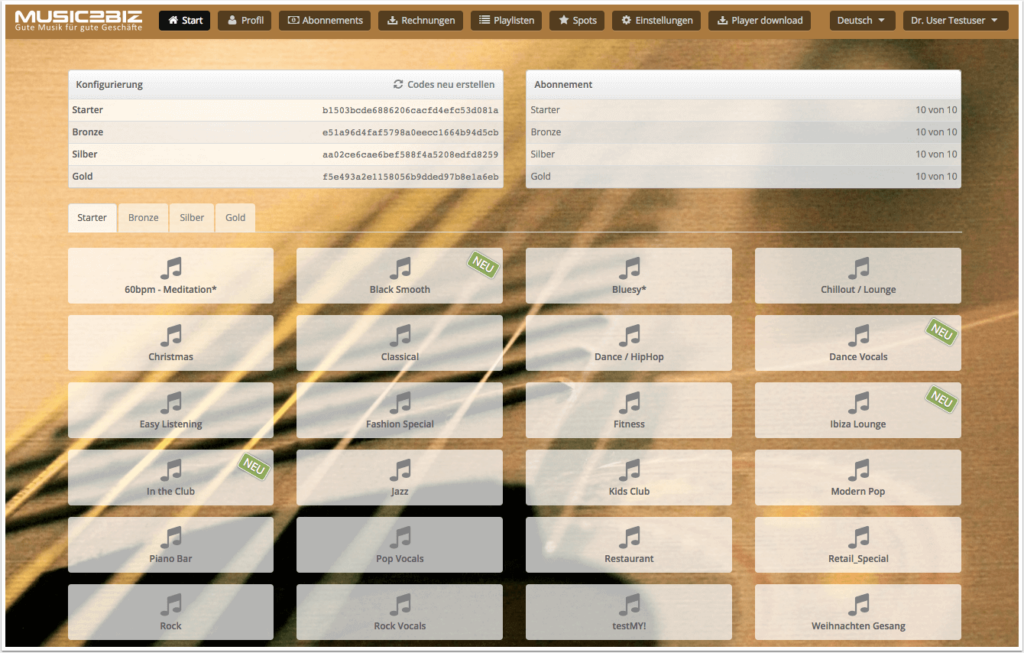
The start page of your customer account will open with the program selection buttons.
Click on any program selection button of your choice to open the streaming URL page for that program.


1.2
The start page of your customer account will open with the program selection buttons.
Click on any program selection button of your choice to open the streaming URL page for that program.