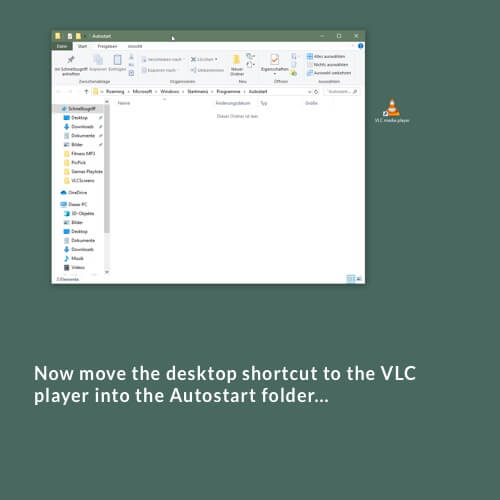
Keep the left mouse button pressed and drag the desktop shortcut of the VLC Player into the Autostart folder…
Next.

Keep the left mouse button pressed and drag the desktop shortcut of the VLC Player into the Autostart folder…
Next.
Das könnte Sie auch Interessieren:
Visit the Sonos Support website
Visit the Sonos download page and download the Sonos Controller App to suit your operating system and speaker generation (S1
Your player is set up The player starts the music playback after a short loading time of the stream you